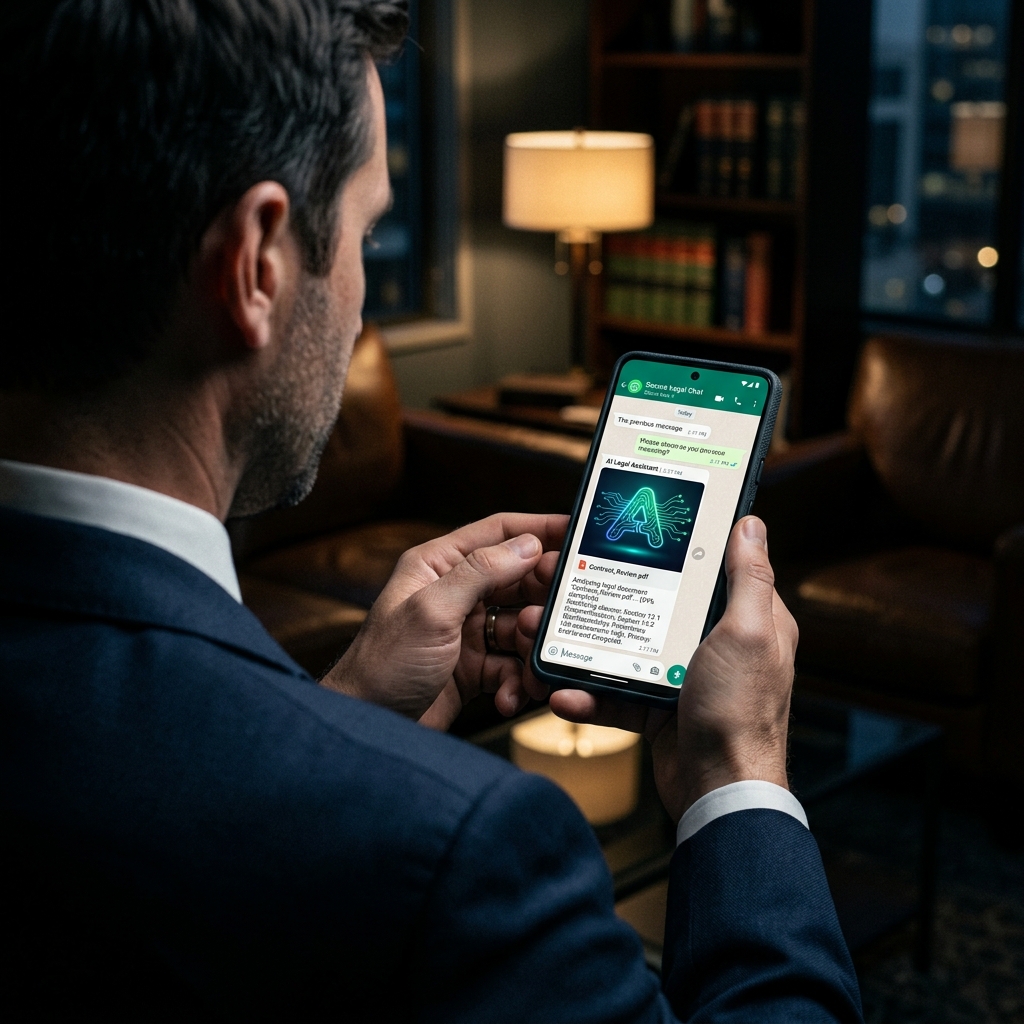
In May 2026, a silent revolution took place on our smartphones: Meta AI was integrated by default into WhatsApp worldwide. Undoubtedly, it is a fantastic application of technology. You can summarize long audios in seconds, translate conversations in real-time, generate art to send to friends, and ask the AI to plan your next trip directly from the chat screen. It is innovation at your fingertips, accessible to billions.
However, behind the convenience and these technological "magic tricks," lies an invisible and extremely high cost for professionals dealing with sensitive data. What seems like a harmless update brings one of the greatest security crises for those who use the app daily: the involuntary exposure of confidential data, ranging from a client's ID sent for onboarding to legal briefs under court seal. As recently highlighted in a viral tech alert on social media, the app now actively accesses audio exchanges and conversations to feed its artificial intelligence, severely compromising basic privacy assumptions.
Hybrid Privacy on Your Desktop
Replace the risk of public clouds with a secure Hybrid Architecture. Process contracts and sensitive documents without your data feeding global AIs. Perfect for daily legal work.
Whether you are a legal professional, a doctor dealing with medical records, or simply someone who values personal privacy and does not want their documents devoured by the cloud, this mandatory integration demands a critical look. The control over where data is processed has never been more vital.
The Risk of Meta AI in WhatsApp for Legal Documents and Compliance
To understand the scale of the impact of leaks and data privacy violations in the legal field, we need to look at the numbers. When Meta integrates an AI, they are not doing it in a niche app, but at the heart of global digital communication. Sending a confidential contract there now carries severe legal implications.
| Platform (Meta Group) | Active Users (2026 Est.) | Impact of AI Integration |
|---|---|---|
| +3 Billion | Direct processing of private messages, audios, and documents exchanged on the platform. | |
| +3.2 Billion | Behavioral analysis, posts, and group interactions to improve the model. | |
| +2.5 Billion | Computer vision focused on images, reels, and direct messages. |
Breach of Professional Secrecy: The Precedent of US v. Heppner
The introduction of an assistant reading and learning from conversations directly affects confidentiality. This has already begun to be decided in courts.
Recently, a precedent was set in the United States with the case of US v. Heppner. The American court made a decisive ruling: sharing a client's confidential information with a third-party Artificial Intelligence constitutes a waiver of attorney-client privilege.
⚠️ Cloud AI = "Third Party"
Just as you wouldn't let a stranger listen to your meeting with a client, allowing Meta AI to process WhatsApp messages constitutes unauthorized sharing. For lawyers, this equates to a breach of professional secrecy (ABA guidelines) and a violation of international data protection rules like the GDPR or CCPA.
Practical Guide: How to Disable Meta AI in WhatsApp and Protect Clients
You might be thinking: "I'll just turn the AI off and be done with it." Unfortunately, the tool's design doesn't make that choice easy in 2026.
There is no global "opt-out" button. As widely reported by outlets like Forbes, you cannot go to the main settings and turn off the artificial intelligence for the entire app. Instead, Meta implemented privacy on a per-chat basis, often buried under features like "Advanced Chat Privacy".
How to Disable (or Mitigate) AI Access
- Open WhatsApp and enter the specific conversation (your client's, for example).
- Tap the contact's name at the top to open their info.
- Scroll down until you find "Advanced Chat Privacy" or "AI Advanced Privacy".
- Enable this option to block the AI from actively processing data from that specific conversation.
Attention: You will need to do this manually for each client or group. If you forget one, audios and contracts will be vulnerable.
The Ultimate Alternative for Lawyers: Secure Hybrid AI Architecture
Patrolling every chat on your phone to activate manual blocks is exhausting and prone to human error. This is why the corporate use of cloud tools is being fiercely questioned in the legal sphere.
The mature and secure response for the daily work of a legal professional, or anyone dealing with business secrets, is not to ban AI, but to have control over how it processes information. This is where the power of a Secure Hybrid Architecture comes in.
The advantage of modern hybrid architectures, like Locus.IA's flagship model, is uniting the best of both worlds: cutting-edge intelligence and absolute secrecy. Sensitive data — such as a legal brief, corporate documents, or a client's ID — is not "devoured" by public big tech AIs (like Meta, OpenAI, or Microsoft) to train global models. In a hybrid structure, processing occurs with data isolation and confidentiality guaranteed by design, returning total control to the legal operator.
Innovation and privacy are not enemies, provided you have absolute control over your data.
Frequently Asked Questions
How to disable Meta AI on WhatsApp?
There is no global button to completely disable Meta AI. You need to enter each individual conversation and enable the 'Advanced Chat Privacy' option in the contact's settings to protect confidentiality.
Does Meta AI read my WhatsApp messages?
By default, messages sent in chats where Meta AI is active can be processed by the artificial intelligence, which raises serious privacy concerns for confidential documents.